SnapOCR
Free screen text extractor for Windows
Press Ctrl+Shift+S from any app, drag to select a region, and get extracted text in your clipboard. 6-pass multi-algorithm OCR with dark background auto-detection, smart upscaling, and Otsu thresholding. 100% offline — nothing leaves your machine.
Free forever. All features included. No account required. 4.8 MB MSI installer.
ocrtool.io — Online OCR Tools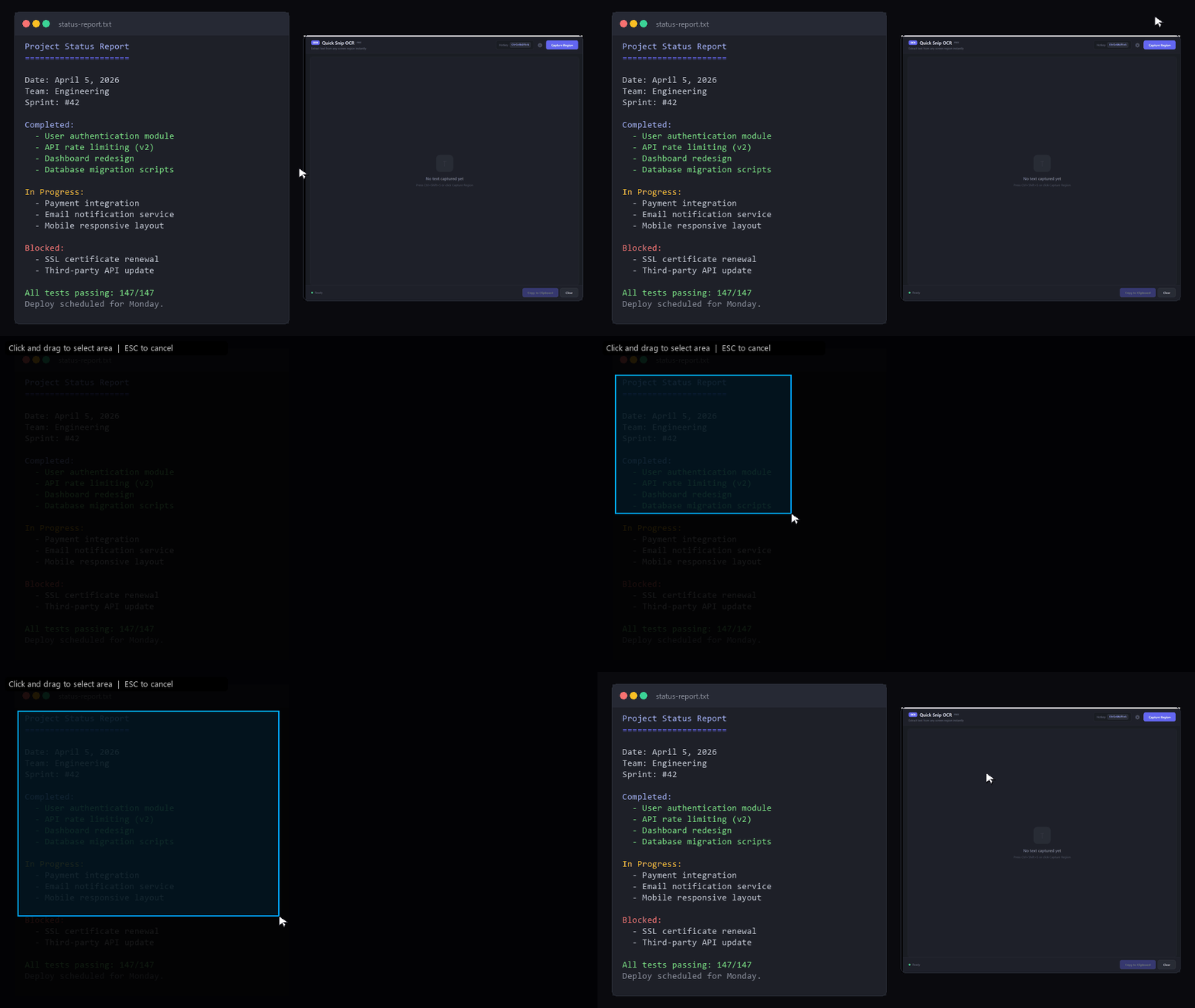
Key Features
Global Hotkey
Ctrl+Shift+S works from any app. Text goes straight to clipboard — no intermediate screenshot.
6-Pass OCR
Upscaling, Otsu threshold, adaptive contrast, grayscale, aggressive, and inverted — best result wins automatically.
Dark Mode Detection
Auto-detects dark backgrounds and inverts before OCR. White text on dark UI is handled automatically.
100% Offline
Uses Windows built-in OCR (Windows.Media.Ocr). No internet needed. Your data never leaves your machine.
Free & Open Source
SnapOCR is free for everyone. No Pro tier required.
SnapOCR
- Global hotkey (Ctrl+Shift+S)
- 6-pass multi-algorithm OCR
- Dark background auto-detection
- Smart upscaling (up to 4x)
- Auto-copy to clipboard
- HiDPI / 4K / multi-monitor
- All Windows OCR language packs
- Configurable settings
- Windows 10 & 11 support
Frequently Asked Questions
Changelog
Initial Release
- Screen region capture with global hotkey (Ctrl+Shift+S)
- 6-pass multi-algorithm OCR (upscale, Otsu, contrast, grayscale, aggressive, inverted)
- Dark background auto-detection and inversion
- Smart image upscaling (up to 4x for small text)
- Adaptive contrast enhancement and sharpening
- Auto-copy extracted text to clipboard
- Settings panel: OCR language, auto-copy toggle, start minimized
- License key activation (removes startup popup)
- Per-Monitor V2 DPI awareness (4K / multi-monitor)
- All Windows OCR language packs supported
- MSI installer (4.8 MB, per-user, no admin needed)
Full release notes on GitHub Releases